

 search
 menu
search
menu
menu
search
menu
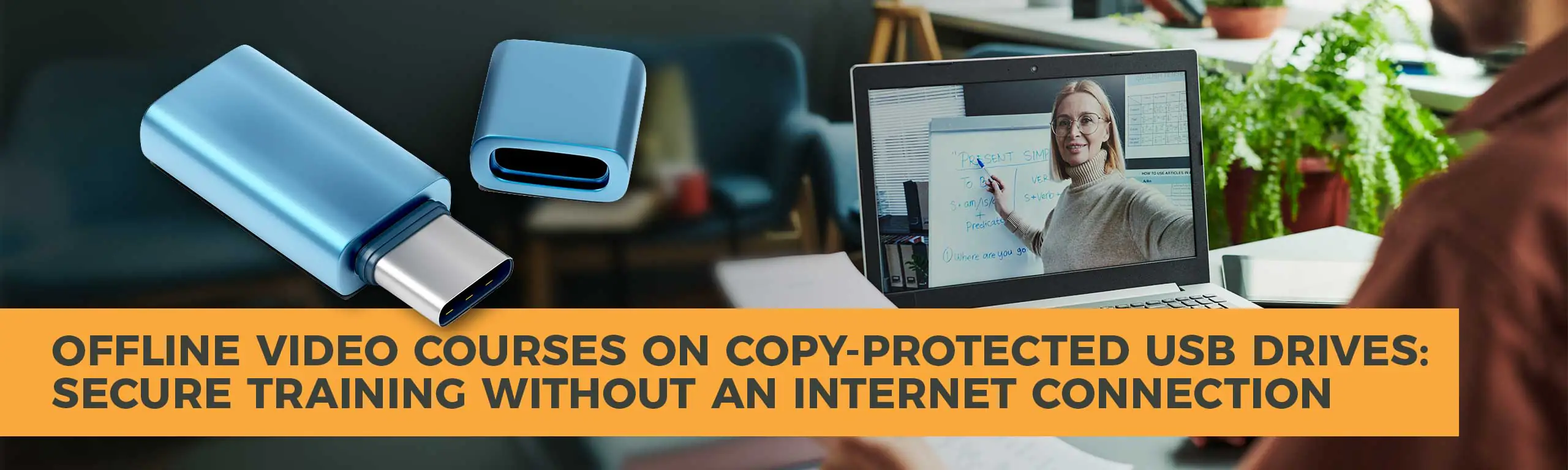
Online learning platforms such as Moodle, Canvas, TalentLMS, and Docebo have become the way many organizations deliver training, but they’re not the right fit for everyone. Many businesses, educational institutions, manufacturers, and training providers still need a way to distribute video courses that work without an internet connection while maintaining control over who can access the content.
That’s where copy-protected USB drives offer a practical alternative.
Instead of relying on cloud-based learning management systems (LMS), organizations can distribute offline training on USB drives protected with features such as password authentication, expiration dates, encryption, and read-only media.
The result is a versatile and completely portable learning solution that helps reduce unauthorized sharing while providing a simple experience for users.
Online learning is a popular option, but there are many situations where internet access simply isn’t practical.
Examples include:
In these situations, streaming large video files can be unreliable, or impossible.
A USB drive allows users to access course materials without worrying about bandwidth, Wi-Fi availability, or maintaining an online account.
For organizations that need to distribute training to a defined audience, offline access can be a significant advantage.
A conventional USB drive offers almost no protection once it leaves your office.
Anyone can:
If you’ve invested significant time and money creating premium training materials, that’s a serious concern. Standard USB drives make it relatively easy for recipients to copy those materials and share them beyond the intended audience.
While no technology can guarantee that digital content will never be copied (someone could still record a screen with an external camera, for example) modern copy protection can significantly reduce casual copying and unauthorized distribution.
Copy-protected USB drives help address this problem by encrypting course files so they cannot simply be copied to another drive or computer.
Authorized users can access and watch the content, while the underlying files are protected against straightforward duplication and redistribution.
This level of protection helps preserve the value of your intellectual property while giving organizations greater control over how their training materials are distributed.
A copy-protected USB can combine several security features into one package.
1 – Password Protection. Users enter a password before accessing the course materials.
This provides a simple first layer of authentication and helps prevent unauthorized users from accessing the content if the drive is lost or shared.
2 – Encrypted Content. Instead of storing videos as ordinary files, protected USB solutions encrypt the course content.
Authorized software decrypts the videos during playback, making it much more difficult to simply browse the drive and copy the files.
3 – Read-Only Media. Many protected USB drives can be configured as read-only.
This prevents users from:
It also helps ensure every recipient receives the exact same course experience.
4 – Expiration Dates. One particularly useful feature is the ability to establish an expiration date.
For example:
Once the expiration date is reached, the protected content is no longer accessible, eliminating the need to manually recover training materials or disable individual accounts.
This is especially valuable for:
Many organizations don’t want the complexity or ongoing expense of implementing a Learning Management System (LMS).
A secure USB offers several advantages:
Users simply plug in the USB drive, authenticate if required, and begin learning.
Cloud-based LMS platforms certainly have their place, but they also introduce challenges such as:
For organizations that simply need to distribute training to a defined audience, an offline USB solution can be much easier to manage.
Organizations across many industries can benefit from protected offline video distribution.
Corporate Training
Distribute onboarding videos, compliance courses, or leadership training to employees without requiring internet connectivity.
Equipment Manufacturers
Provide installation videos, maintenance procedures, and service documentation alongside equipment.
Professional Certification
Deliver certification programs that remain available only during the approved training period.
Educational Institutions
Provide course materials to students who may have limited internet access.
Dealers and Distributors
Share product knowledge, installation procedures, and sales training while maintaining greater control over proprietary information.
Beyond Video <h2>
Many training programs include more than just videos.
Protected USB drives can also securely distribute:
This allows an entire training curriculum to travel together on a single USB drive.
Instead of sending learners to multiple websites, download locations, or online portals, organizations can provide the resources they need in one portable package.
Security and convenience aren’t the only advantages of copy-protected USBs.
Branded USB drives can also create a professional presentation. Custom-printed USB drives packaged in branded boxes or presentation cases reinforce your organization’s image while providing recipients with a durable training resource they can easily carry.
Unlike emailed download links that may be forgotten or expire, a professionally branded USB drive serves as a tangible reminder of your organization and the value of the training you’ve provided.
For equipment manufacturers, certification providers, corporate trainers, and other organizations distributing professional education, the delivery method can become part of the overall training experience.
Not all USB duplication providers offer secure distribution.
When evaluating providers, look for capabilities such as:
The right combination of security and distribution capabilities can help create a professional training product while protecting the investment you’ve made in developing your educational content.
Offline learning isn’t going away.
As organizations continue to train remote workers, field technicians, distributors, students, and customers, there’s a growing need for training solutions that are portable, reliable, and secure.
Copy-protected USB drives provide a practical way to distribute video courses without requiring an internet connection. Features like password protection, encryption, read-only media, and expiration dates help organizations maintain greater control over valuable educational content while giving learners the flexibility to access training wherever
Whether you’re distributing employee training, certification programs, product education, or customer instruction, the right duplication partner can help ensure your content is delivered securely, reliably, and professionally.
Diskcopy is the industry’s most trusted name for exacting media duplication because every bit is important. We pioneered media and data duplication for businesses in the early 1990s and we have decades of experience and expertise with all types of media duplication.
When you need high-quality media duplication services and / or USBs, you need Diskcopy.
Address: 107 Alpha Park, Highland Heights, OH 44143
All Rights Reserved 2023, Diskcopy LLC